
1. Using the Analytics Page
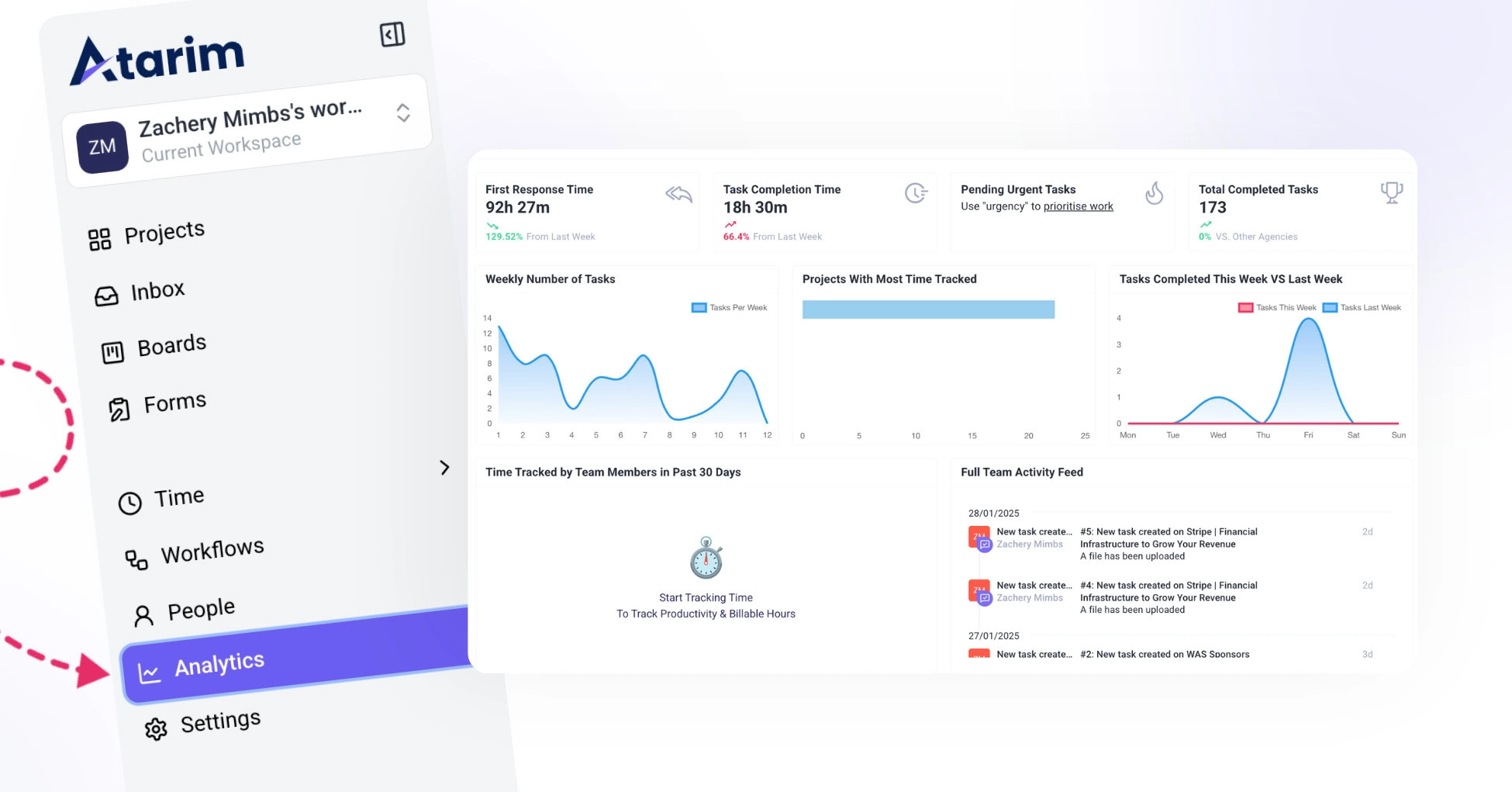
The Analytics dashboard helps you track team performance, task activity, project progress, and collaboration trends across your workspace. It gives managers and teams a clear overview of how work is moving, where tasks may be blocked, and how team members are contributing. Discover How Analytics And Metrics Help You Monitor Activity, Track Performance, And Make Better Workflow Decisions.
Accessing Analytics
- Log in to Atarim.
- From the left sidebar, click the Analytics icon.
- The Analytics dashboard will open.
- Use the tabs to switch between Overview, Projects, and Team.
What You Can Review in Analytics
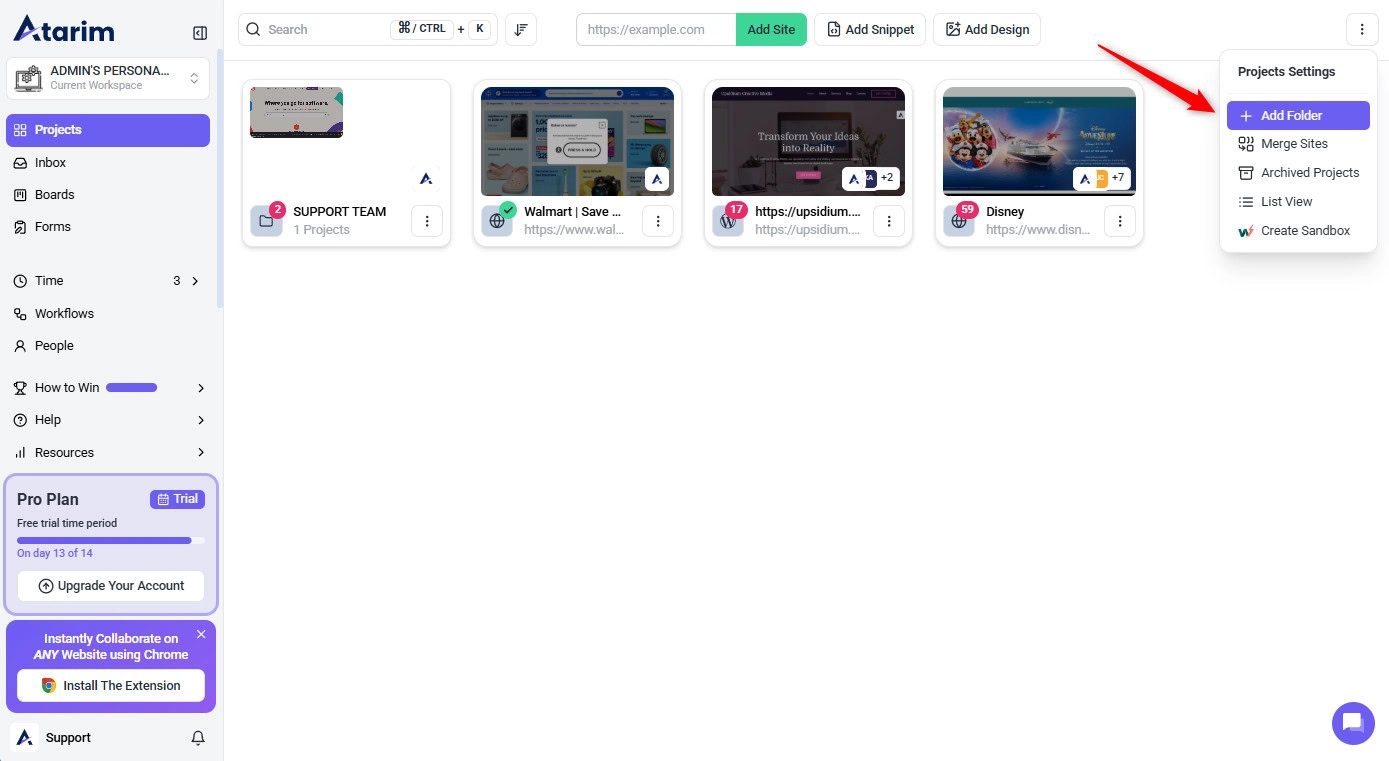
From the Analytics dashboard, you can review:
- Workspace performance
- Task activity
- Project progress
- Team workload
- Response times
- Unresolved comments
- AI activity and estimated time saved
- Most active projects and collaborators
Tip: Review Analytics regularly to spot unresolved feedback, workload changes, and projects that may need attention before they become blockers.
2. Using the Activity Feed on the People Page
The People Page Activity Feed lets you drill down into individual user activity, helping you understand each team member’s engagement and contributions.
To Access the Activity Feed:
- Go to the People tab in your workspace.
- Click on a team member’s profile to view their activity feed.
To Monitor User-Specific Activity:
- User-Specific Activity Feed
- See all actions (task creation, updates, completions, comments, and feedback).
- Helps monitor how each person contributes to the workflow.
- Chronological Timeline
- Events are displayed in order of occurrence.
- Follow the trail of activity over time.
- Task and Feedback Logs
- Each comment and update is stored in the feed.
- Creates a transparent log for accountability.
- Real-Time Updates
- The feed refreshes automatically.
- You’re always seeing the most recent actions—no manual refresh needed.
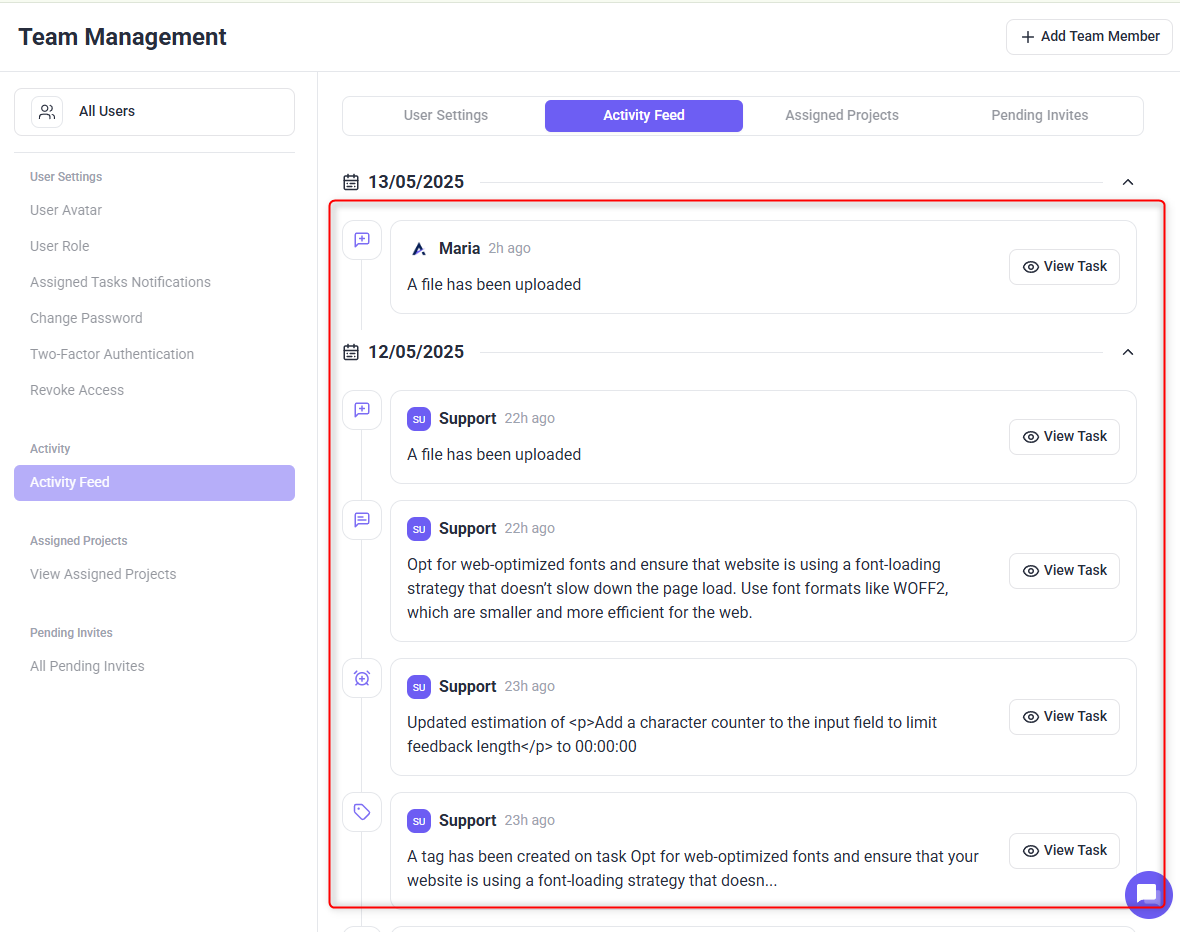
Note: Use this feed to verify task ownership, completion dates, and feedback timing during performance reviews or sprint planning.
FAQs
You need Admin or Manager-level permissions to access team-wide analytics and individual activity feeds.
The Analytics Page and Activity Feed update in real time, ensuring you always have the latest information.